Speed Up Withdrawals on Olymptrade: Steps to Faster Payouts
Writen By

Online Trading Platform Researcher and Guide Writer
Researches broker platforms and trading account Systems.
Waiting days for a cashout is frustrating; most delays come from a handful of avoidable issues such as incomplete verification, mismatched deposit and payout methods, bonus-related turnover requirements, or bank processing windows. Knowing which checks are automated and which require manual review helps you prioritize actions that remove bottlenecks and get funds moving sooner.
Follow a few practical steps to shorten processing time: complete Verification before you request a payout, use the same payment method for deposits and withdrawals when possible, prepare clear copies of ID and address proof, and prefer e-wallets or card refunds for faster clearing. Check the withdrawal minimum and currency settings in your account, submit requests early in the working week to avoid weekends and bank holidays, and keep transaction receipts handy when contacting support. Remember that compliance checks may still add a day or two for larger amounts.
Follow a few practical steps to shorten processing time: complete Verification before you request a payout, use the same payment method for deposits and withdrawals when possible, prepare clear copies of ID and address proof, and prefer e-wallets or card refunds for faster clearing. Check the withdrawal minimum and currency settings in your account, submit requests early in the working week to avoid weekends and bank holidays, and keep transaction receipts handy when contacting support. Remember that compliance checks may still add a day or two for larger amounts.

You’ve done well and have increased your balance on your Olymptrade account and now you want to take some of the money to do something special with it. So, how do you go about withdrawing your money from your trading account?
Good news! Withdrawing your money is actually easier than depositing it. We present you with a simple guide to walk you through the process of conducting a withdrawal from your account on Olymptrade.
Olymptrade’s deposit and withdrawal process has been sped up considerably over the last year to accommodate the needs of its clients who continue to earn more every year and choose to take some of their profits out regularly.
Here are some things to know before we start walking through the steps of withdrawals.
- Withdrawals are free on Olymptrade. Yes, you will never be charged a fee or commission from Olymptrade for withdrawing YOUR money.
- There are NO limits on how much you can withdraw from your account, but the minimum amount is $10.
- Over 90% of withdrawal requests are processed in less than 1 business day.
- Having Expert status with Olymptrade guarantees 1 business day withdrawals.
Starting the Withdrawal Process
Like most things on the Olymptrade platform, the company has worked diligently to make withdrawals as simple as possible for clients. To get started, one only needs to click on the “Withdrawal” button on their main platform screen.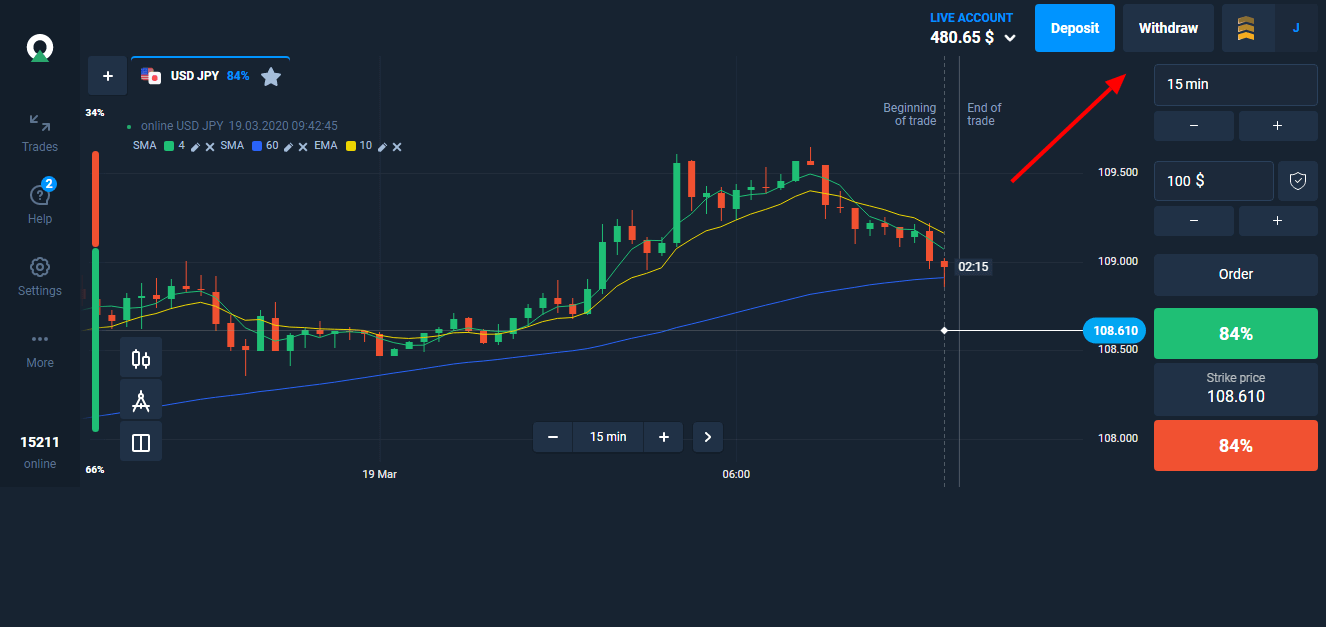
This will take the client to a withdrawal page where there are fields in which to enter the amount of money that the client wished to withdraw. The total account balance and available account balance are both displayed. A difference between the two usually indicates the presence of bonuses or credits for risk-free trades.
Once the client enters the amount for withdrawal and confirms it, the process begins on moving those funds directly to the bank account, bank card, or e-wallet that was used to deposit funds on the client’s Olymptrade account.
Withdrawals will be processed in 5 business days or less. Although it is usually quicker, Olymptrade sets this parameter to account for any transaction delays.
Speed Up Your Withdrawals
Like we discussed earlier, most of these withdrawals will be completed in only 1 business day. However, here are a few things traders can do to speed up their withdrawals even more.1. The single best way to improve your withdrawal speed is to upgrade your trader status to Expert. Expert level traders not only get top priority on withdrawals, which is usually nearly instant, Expert traders get a ton of other huge benefits as well.
Some of these benefits include consultations with a personal financial analyst to discuss trading strategies, risk-free trades, higher trading limits, and much more.
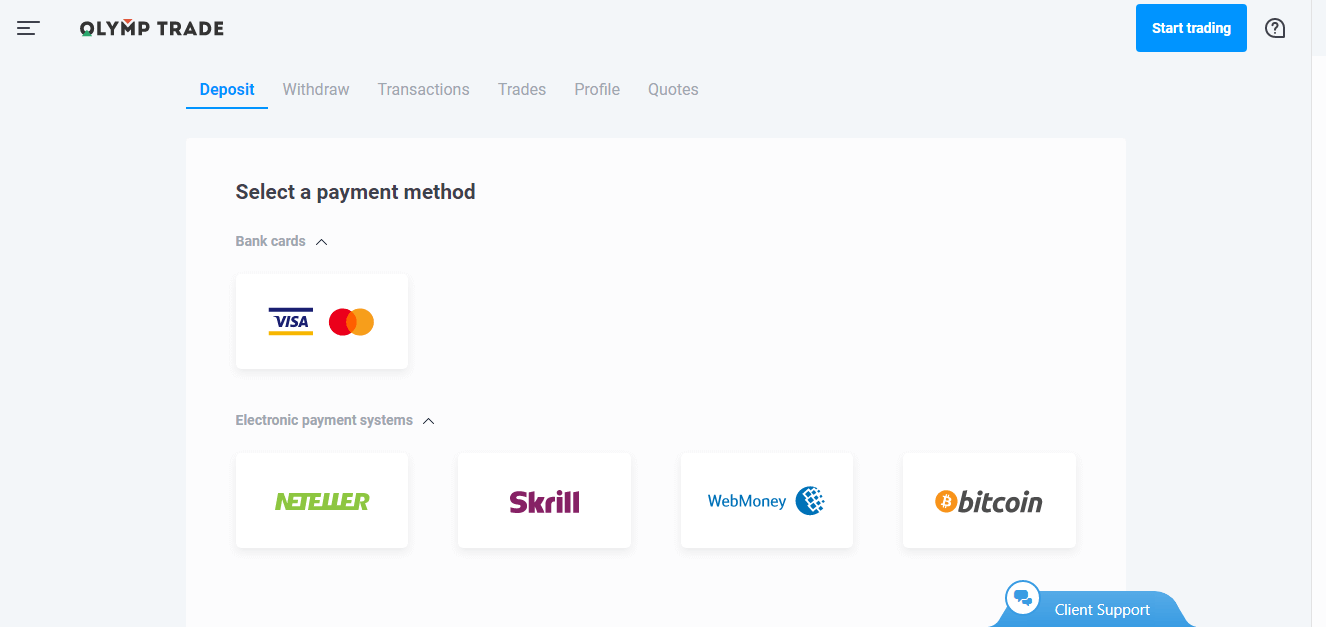
2. Use an e-wallet like Skrill or Neteller to make deposits (and subsequent withdrawals) to your Olymptrade account. These e-wallets work directly with Olymptrade to provide super quick transactions, which keeps your money out of the transfer limbo.
3. Get the highest level of “verification” on your account using “3rd party verification” from Google or another service. Having the highest level of verification means that Olymptrade will be able to transfer funds with less time restrictions while they go through the standard verification protocol.
Additional Questions
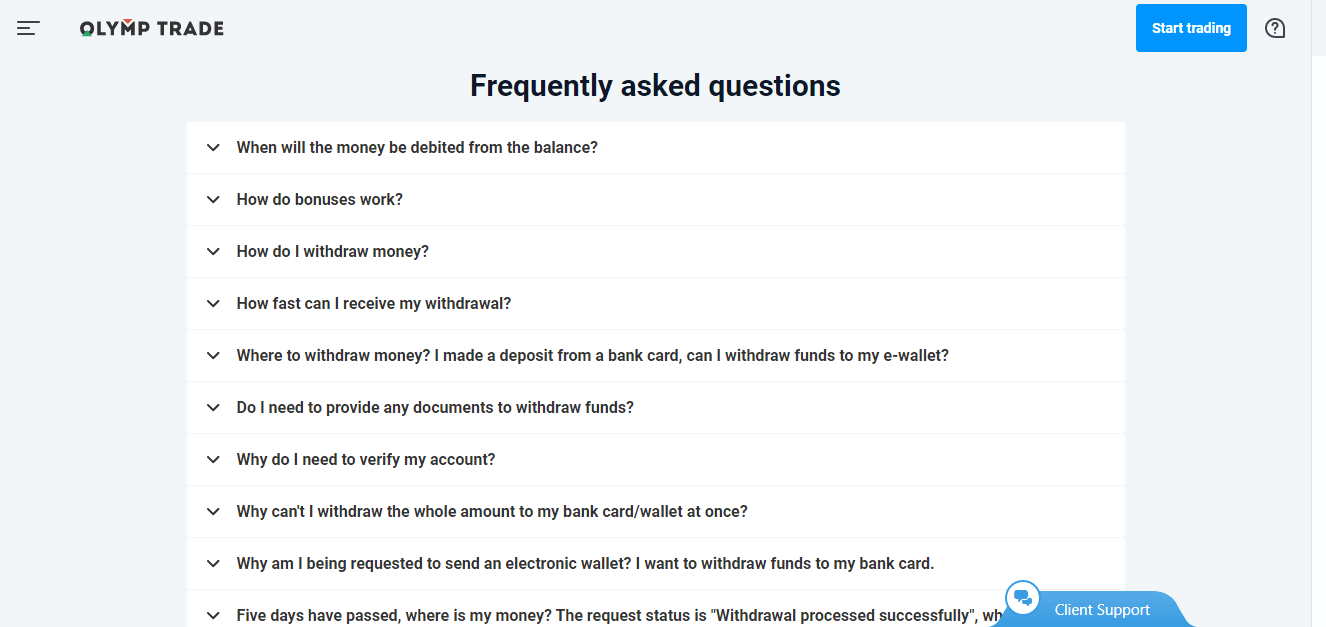
To keep traders doing what traders do best — trade, Olymptrade has created a set of resources to help clients with questions on deposits and withdrawals. Here are some of the ways clients can find answers or solutions to their questions.1. The Withdrawal section of the Olymptrade platform includes an extensive FAQ for clients. Nearly all issues with fund transfers can be solved by following instructions in the FAQ. With millions of clients from all over the world and many years of experience, Olymptrade has probably handled your questions before and often.
2. Online Chat is provided for all Olymptrade clients and the technical support professionals are well-prepared to answer your questions and get you on your way. Simply click on the “Chat Support” button on the bottom of your screen while on the platform and someone will be with you shortly.
3. Contact Client Support using one of the other methods available to clients. The client support page provides additional methods for contacting Olymptrade besides the online chat option. Traders can email questions utilizing a form and request to be contacted back by email or even phone.
Additionally, Olymptrade provides a variety of phone numbers where clients can contact them directly by phone.
If you have a question and couldn’t find the answer in the FAQ, then choose one of the other options and Olymptrade will get you taken care of. Afterall, the goal for everyone is to keep traders trading.
FAQs
Minimum withdrawal depends on the payment method and currency in your account; e-wallets typically have lower minimums than bank transfers. Smaller withdrawals can sometimes clear faster because they are less likely to trigger manual compliance checks, but timing ultimately depends on the chosen payout method and your verification status.
First confirm your Verification is complete and documents match your account details. Next, ensure you’re withdrawing to the same provider you used to deposit where required, check currency and minimum limits, and include any requested payment receipts. Submit the request early in the business week, monitor the withdrawal status, and if it remains pending contact support with the transaction ID and copies of your documents.
Common causes are incomplete KYC, mismatched payment details, bonus turnover rules, or a bank/provider hold. To resolve it, review your account messages for requests, upload any missing ID or proof of address, verify that deposit and withdrawal channels match, and contact support with screenshots and payment receipts. If the delay is on the receiving bank side, ask your bank to trace the incoming transaction.
Provide a government ID (passport or national ID), a recent utility or bank statement showing your name and address, and a selfie if requested. Also have proof of the payment method (screenshot of e-wallet or a bank card statement). Verification reviews are often completed within 24–72 hours but may take longer for large amounts or when additional compliance checks are required.
E-wallets and instant-payment services are usually the quickest option, often clearing within hours to a few business days. Card refunds can take several days, and bank transfers typically take the longest. Olymptrade’s fee policy varies by method and your payment provider may charge additional fees; check method-specific limits and any currency conversion costs on the withdrawal screen before submitting a request.