Olymptrade Account Verification 2026: How to Complete KYC Step by Step

Completing KYC verification on Olymptrade is a vital step to secure your account and unlock full access to deposits, withdrawals, and trading features. The process is designed to be fast and user-friendly, requiring only a few documents to confirm your identity.
In this guide, you’ll learn how to complete Olymptrade account verification step by step, what documents you need to prepare, and how to ensure quick approval so you can trade safely and without restrictions.

Olymptrade Verify Overview
Why Verification Matters In Olymptrade
Olymptrade operates as a secure global trading platform with access to: Binary Option• Commodities • Indices • Stocks • Cryptocurrencies
To protect traders and comply with international regulations, every user must complete identity verification. This process safeguards funds, prevents fraud, and ensures uninterrupted withdrawals. Verification in Olymptrade will unlocks all the freatures like:
- Full trading access
- Withdrawal approval
- Higher transaction limits
- Account ownership protection
- Compliance with KYC standards
#1 Visit the Official Olymptrade Binary Option Platform
First, open the official Olymptrade website and double-check the URL to ensure you are using the legitimate platform. Olymptrade provides an intuitive and well-structured design that makes account access quick and easy.
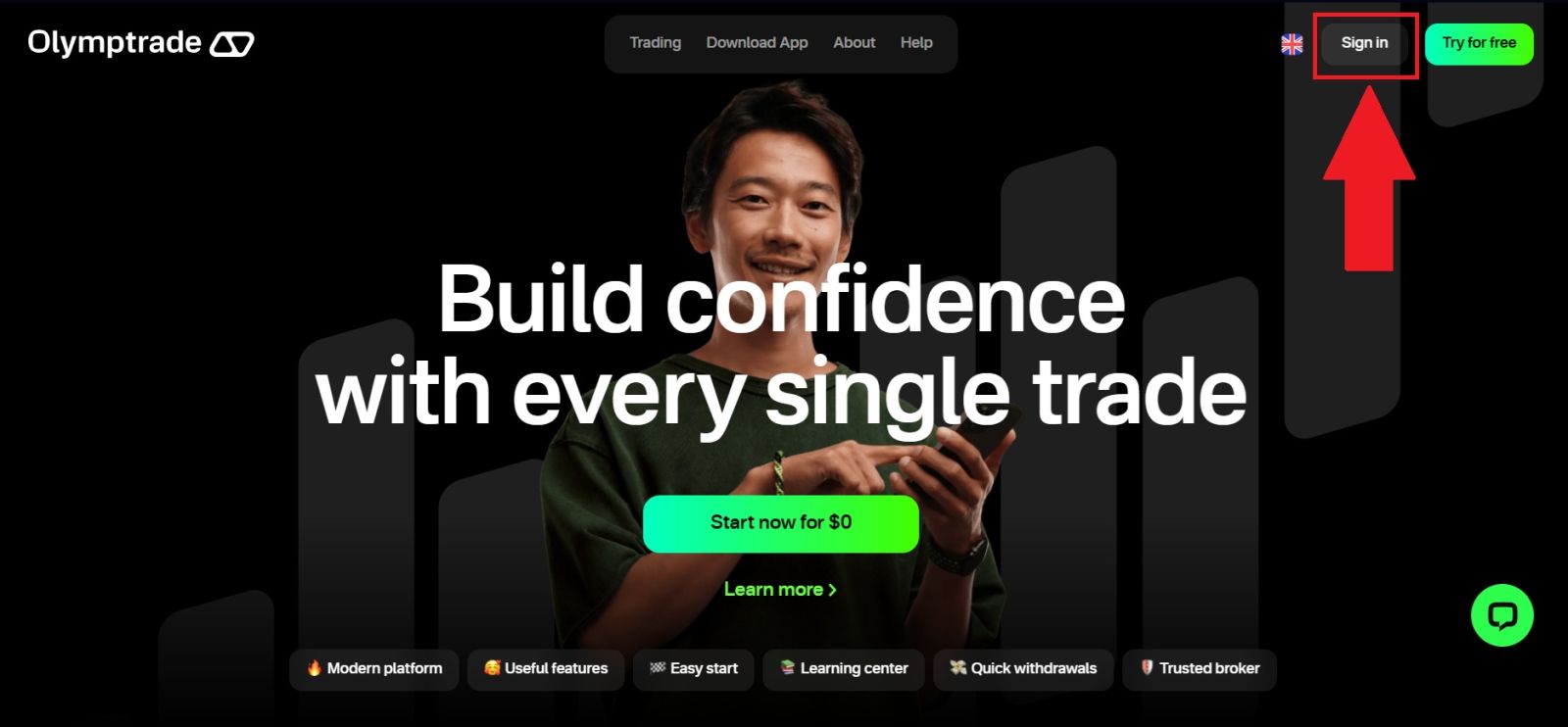
From the main page, click on [Sign in] to be directed to the login section.
#2 Access the Verification Section
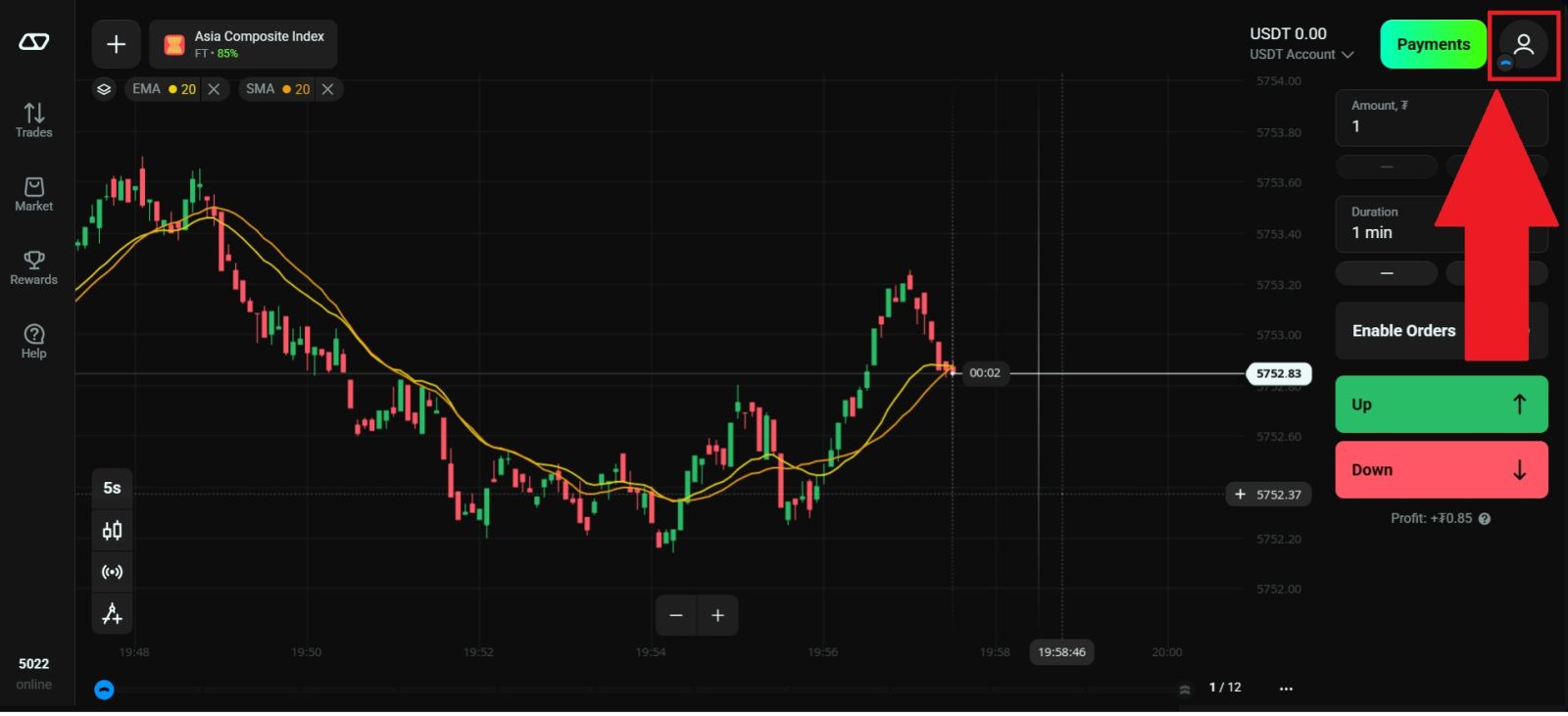
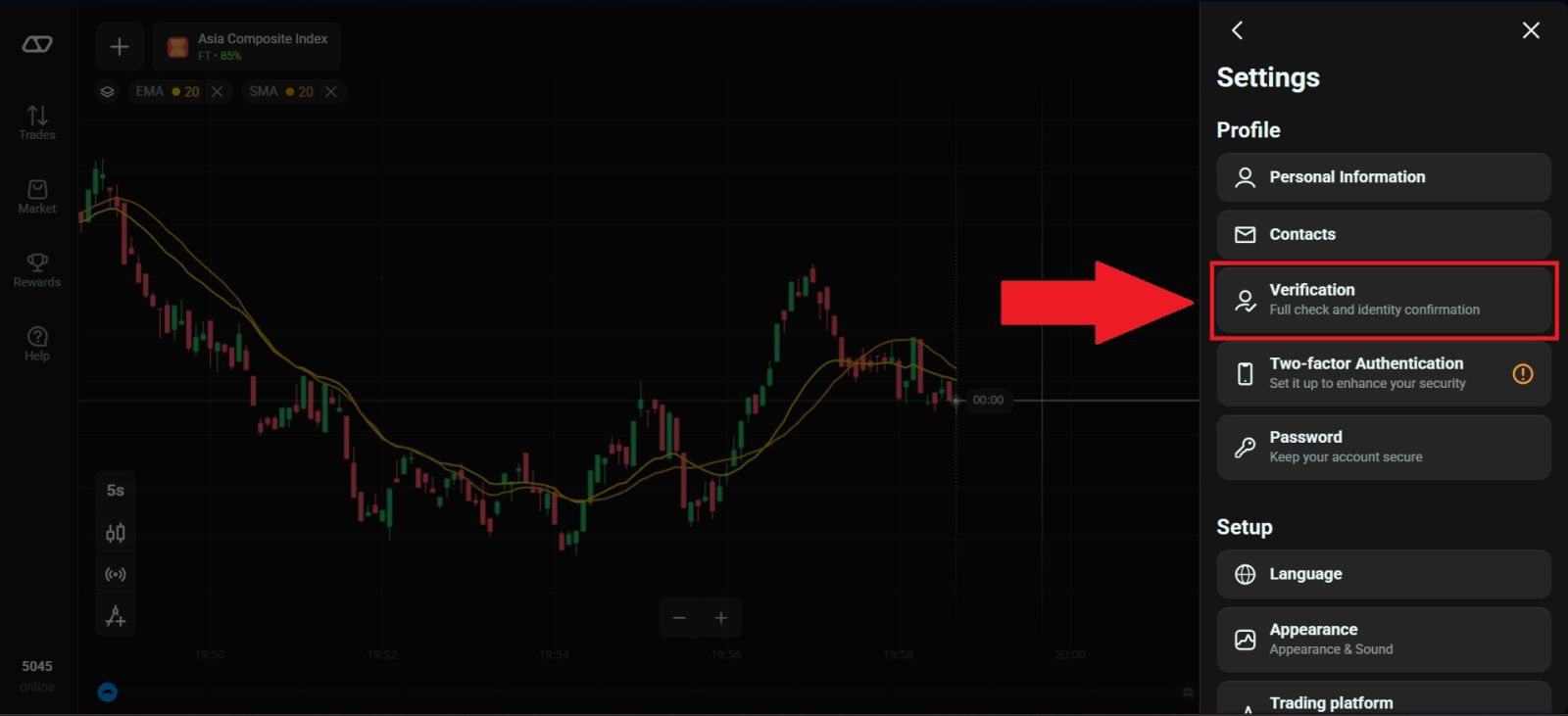
After successfully logging in to your Olymptrade account, click on the Profile icon and navigate to [Verification] section.
From there, you can begin the process of confirming your personal and identity details.
#3 Verify your Identity
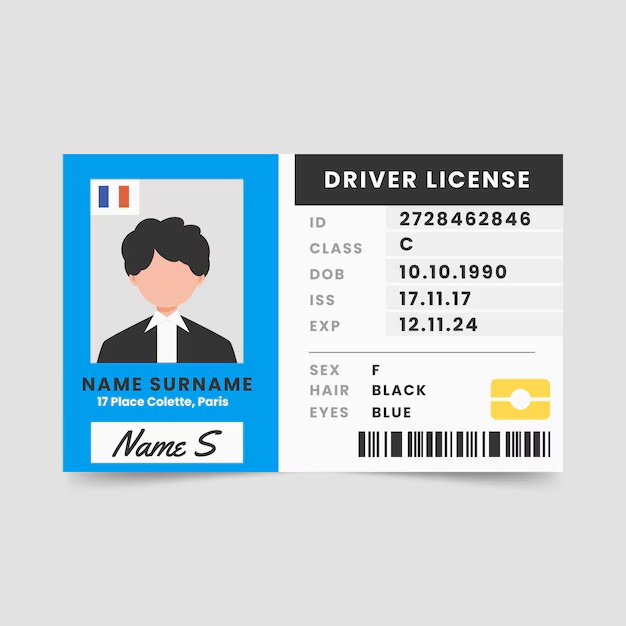
Upload your appropriate document —such as a passport, driver’s license, or official government-issued ID card.
– When uploading your documents, make sure that all details are clearly visible, sharp, and presented in full color without any blurring or distortion.
– The photo or scanned copy must be recent and should not have been taken more than two weeks prior to submission.
– Screenshots of documents are not accepted; only original photos or high-quality scans are allowed.
– If necessary, you may submit more than one document. Please ensure that each file fully meets the platform’s requirements regarding image quality, completeness, and accuracy of information.
Olymptrade will then review your submitted documents and notify you once the verification process is complete.
#4 Facial Verification
You will be required to use your device’s camera to capture a color 3D selfie for identity verification. Detailed step-by-step instructions will be displayed directly on the platform to guide you through the process.
Ensure you are in a well-lit environment, then position your face clearly within the on-screen frame as instructed. Remain steady and follow the on-screen prompts carefully until the system successfully completes the facial verification and allows you to proceed.

#5 Proof of Address Verification
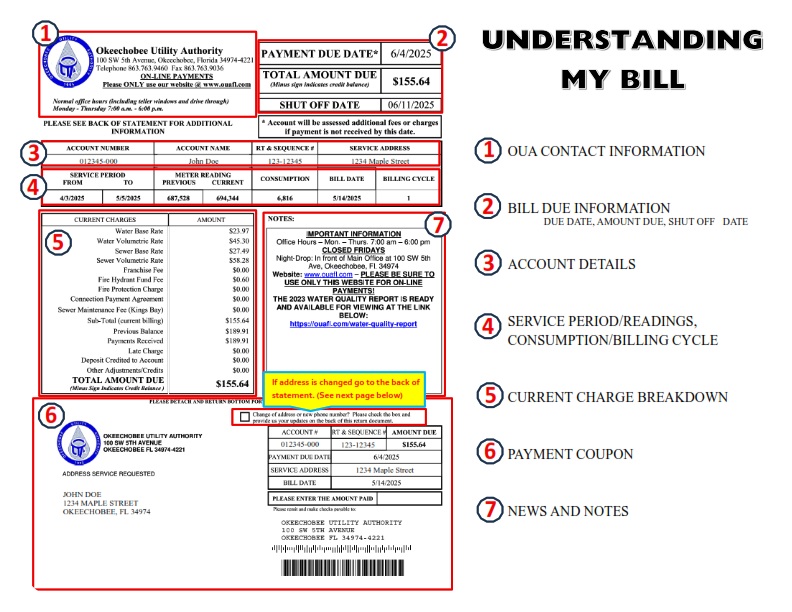
Your Proof of Address (POA) document must clearly display your full name, residential address, and the date of issue. The document must be recent and issued within the last three months to be considered valid.
You may use one of the following documents to verify your address:
– Bank statement that includes your address
– Credit card statement
– Electricity, water, or gas utility bill
– Landline or phone bill
– Internet service bill
– Official letter from your local municipality
– Tax notice, statement, or bill
Please note that the following documents are not accepted as proof of address: mobile phone bills, medical bills, purchase invoices, and insurance statements.
#6 Proof of Payment Verification
Acceptable proof of payment documents may include:
– A photo of your bank card showing the cardholder’s name and the first 6 and last 4 digits (the middle digits should be covered)
– A bank statement displaying your full name and account number
– A screenshot or receipt from your e-wallet or payment provider showing your name and transaction details
– An official document from your payment provider confirming ownership of the account
All uploaded documents must be clear, in color, and unedited. The name on the proof of payment must match the name registered on your trading account. Screenshots from unverified sources or third-party accounts are not accepted.
Once submitted, the verification team will review your documents. This process helps ensure that withdrawals are processed safely and that your funds remain fully protected.
Important Tips for a Successful Verification
To ensure your verification is approved quickly and without issues, follow these essential recommendations:
-
Use the same full name on all documents – The name on your ID, proof of address, and payment documents must exactly match the name registered on your Olymptrade account. Even small differences in spelling or order may cause delays.
-
Upload high-resolution, clear files – Photos or scans should be sharp, well-focused, and easy to read. Blurry, dark, or low-quality images can result in rejection and require you to resubmit.
-
Avoid glare or reflections on ID photos – Make sure there are no light reflections, shadows, or fingerprints covering important details on your documents.
-
Do not compress or edit images – Upload original files only. Compressed, cropped, or digitally altered images are not accepted by the verification system.
-
Check address format consistency – The address on your proof of address must match the details in your account profile, including abbreviations, house numbers, and postal codes.
-
Ensure documents are up to date – Proof of address must be issued within the last three months, and identity documents should be valid and not expired.
-
Use your own payment method – The payment document must belong to you personally; third-party cards or wallets will not be accepted.
Following these guidelines will help you complete the Olymptrade verification process smoothly and avoid unnecessary delays.
Conclusion: Complete Your Olymptrade Account Verification with Confidence
Completing the KYC verification process on Olymptrade is a key step to unlock full access to all platform features, secure transactions, and higher limits. By following the required steps, submitting the correct documents, and understanding the typical review timeline, you can ensure a smooth and efficient verification experience.
A fully verified account enhances your security and helps ensure seamless deposits, withdrawals, and trading activity. With your verification completed correctly, you can trade on Olymptrade with greater confidence and peace of mind.